One grocery list.
Less back-and-forth.
Stop digging through texts and scattered notes. Keep the groceries your household needs in one simple list you can share with your partner, family, or roommates.
- Plan together
- Keep lists in one place
- Check off items as you shop
Account creation required to get started.
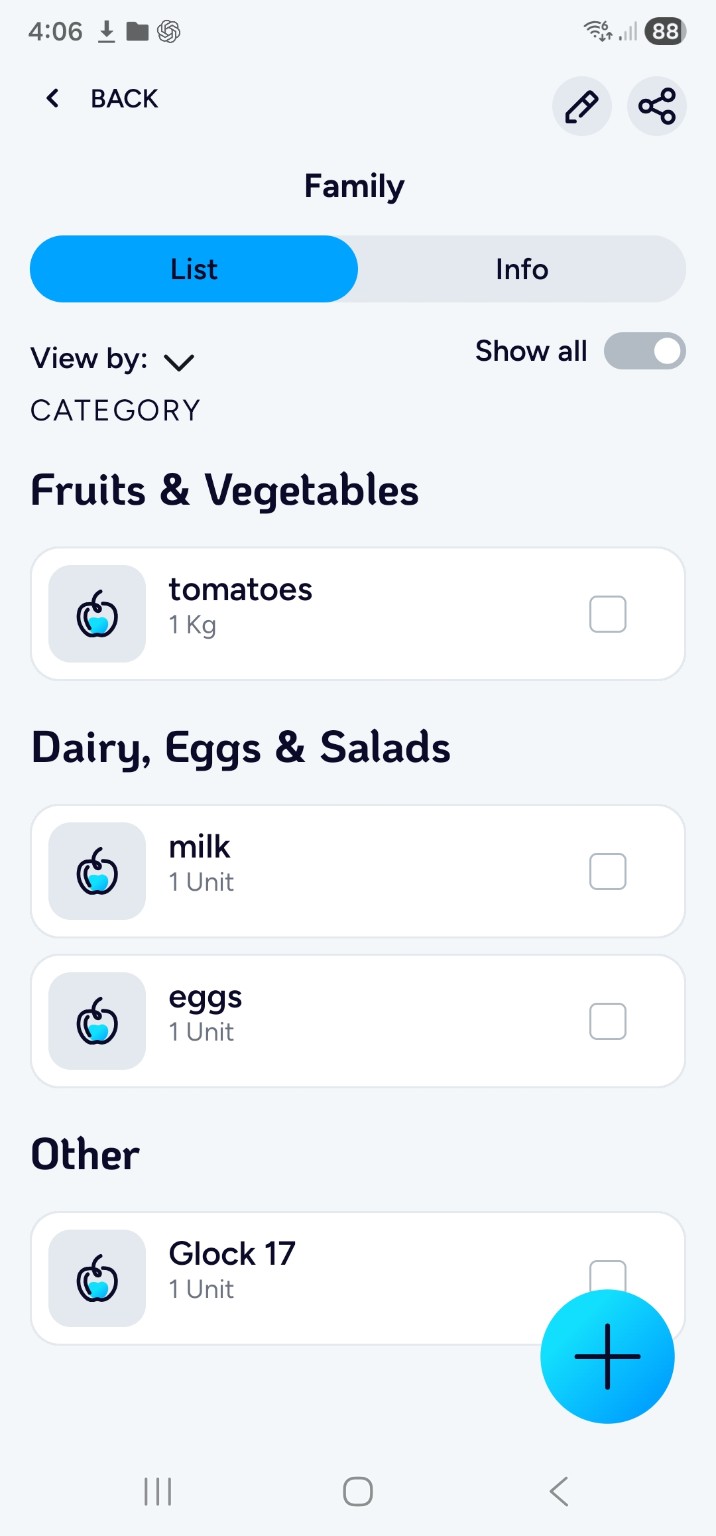
Example screen from the Rashamnu app.
Why Rashamnu?
Because grocery shopping shouldn't need a group chat.
Paper gets left at home. Text messages get buried. A complicated planning app is one more thing to manage. Rashamnu keeps the practical part simple: make a list, share it, and use it at the store.
One place for what you need
Add groceries as you remember them, rather than hunting through messages later.
Made for households
Share a list with the people you shop with, so everyone knows what is needed.
Easy to check off
Mark what you've picked up while you shop and focus on what is left.
Get started in minutes
Three straightforward steps.
Download & create an account
Get the app on iPhone or Android. Setting up your account takes just a few moments.
Make a list
Tap the blue plus button, choose “Add New List,” give it a name, and add your groceries.
Share & go shopping
Share the list with your household and check things off as you buy them. Refresh the list if someone else's changes do not appear yet.
Inside Rashamnu
See the real app, not a mockup.
Start a list, add what you need, and share it with the people you shop with. These are actual screenshots from Rashamnu.
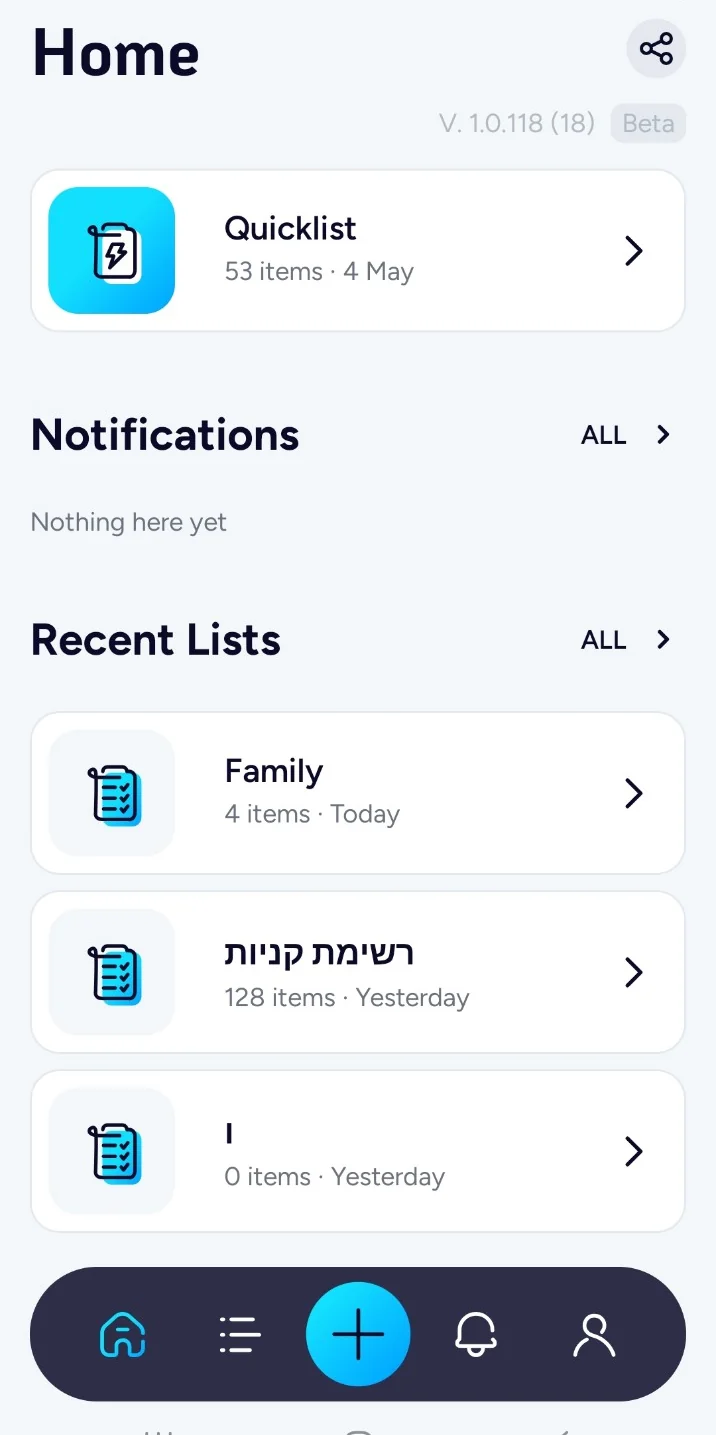
See the grocery lists you use most often.

Give it a name, then start adding items.
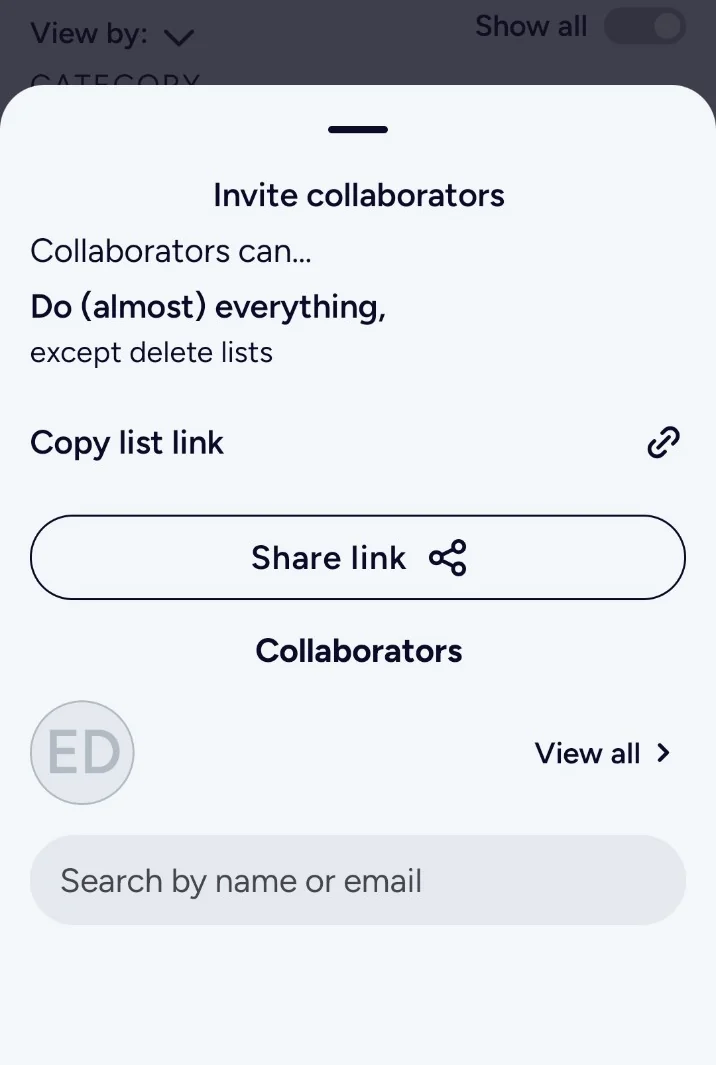
Send a list link to the people you shop with.
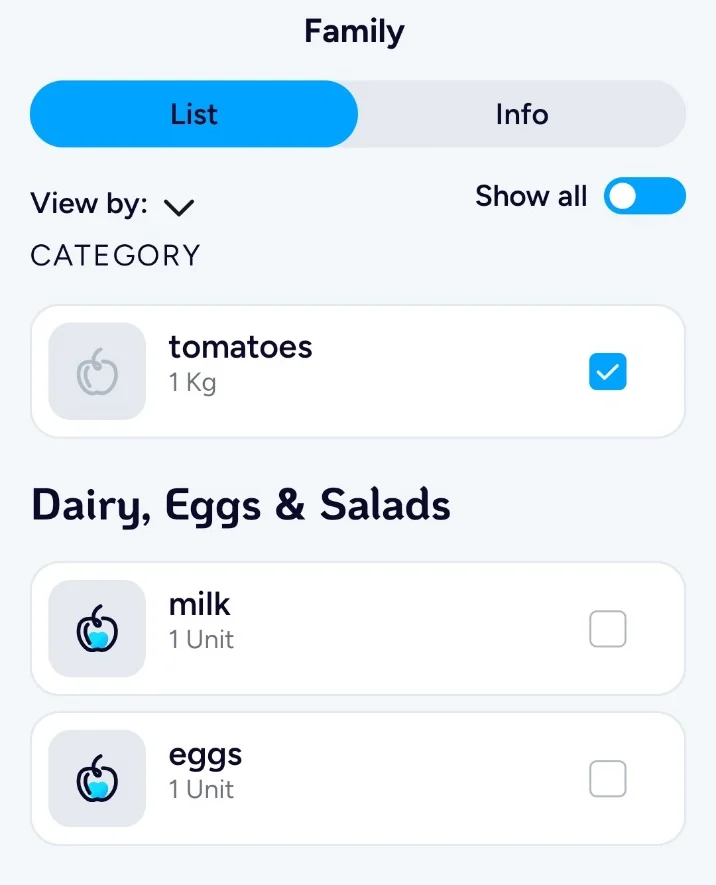
Check off items as you shop
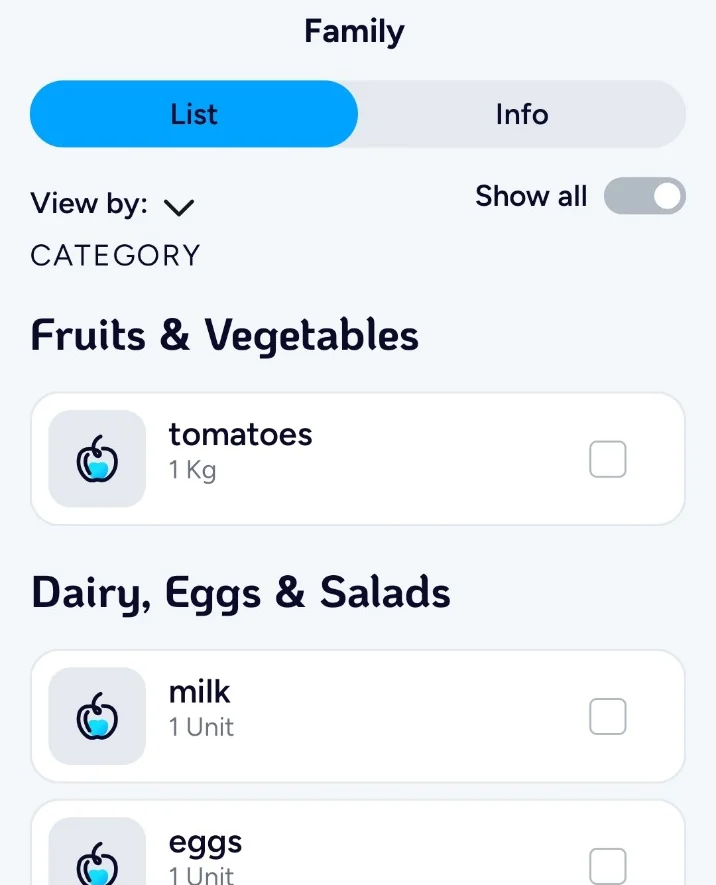
See what happens when you mark an item as bought. Both screenshots come from the real Rashamnu app.
Helpful answers
Questions before you download?
Is Rashamnu available for iPhone and Android?
Yes. You can find Rashamnu on the Apple App Store and Google Play using the buttons on this page.
Do I need to create an account?
Yes. A quick account setup is required before using Rashamnu.
Can I share my shopping list?
Yes. Shared lists let household members shop from the same list. If an update is not visible yet, refresh the list to see recent changes.
Step-by-step help
Guides that get to the point
How to Create Your First Shopping List
Your first shopping list should be useful in minutes, not an afternoon project. Here is the exact flow to get a list…
Read more →Rashamnu on iPhone and Android
Rashamnu is available for both iPhone and Android. The idea is straightforward: make a shopping list, share it with people who help…
Read more →How to Plan Shopping for an Event
An event list keeps one-time supplies from getting mixed up with the regular household groceries. It also gives everyone helping the same…
Read more →Real-life shopping advice
Less shopping stress, one habit at a time.
The Future of Grocery Planning Is Less Complicated
The best progress is making routine planning faster, clearer, and easier to share. People do not need another digital chore when the…
Read more →How to Adopt a New Grocery Routine Without Starting Over
Keep the familiar workflow—notice, note, buy—and change only where the note lives. A household worries that moving from paper and messages will…
Read more →From Memory to Shared Clarity: The Next Grocery Habit
Allow needs to be captured by more than one person and reviewed by whoever shops. One person usually becomes the household's unofficial…
Read more →Ready for a simpler shopping trip?
Create your first list and keep everyone on the same page.
Available for iPhone and Android.